ENQUIRE NOW

"*" indicates required fields

Step 1 of 3

This field is for validation purposes and should be left unchanged.

Fill in your details below and a member of the team will reach out to discuss your enquiry.

RapidSYNC

RapidSYNC

Wi-Fi printer setup gives businesses more options for placing receipt and label printers. A wireless printer can operate at a checkout counter, pickup station, prep area, kiosk, or other location where running an Ethernet cable may be difficult.

Connecting a printer to a wireless network, however, has traditionally required several manual steps. Users may need to find the printer’s temporary network, open a configuration page, enter network credentials, and confirm that the printer received an IP address.

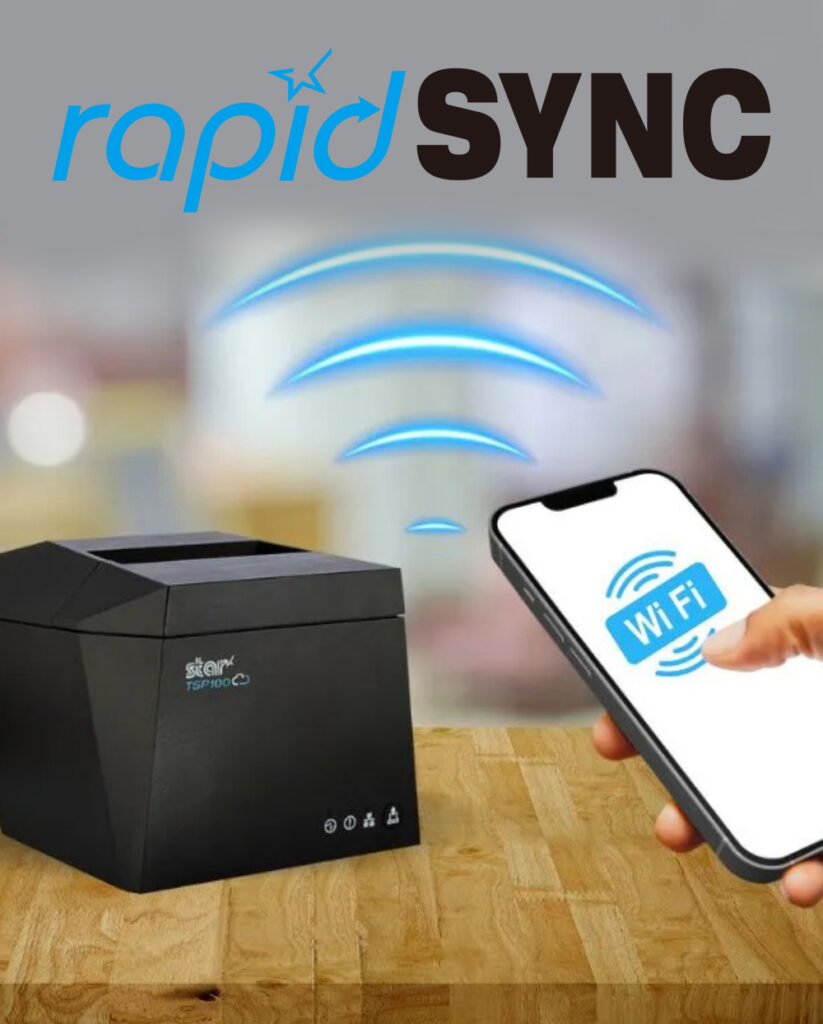
Star Micronics created rapidSYNC, its Bluetooth Low Energy (BLE)-based setup technology, to make that process easier. Available on select Star receipt and label printers, rapidSYNC uses the Star Quick Setup Utility to guide users through Wi-Fi printer setup with a smartphone or tablet, without relying on the traditional captive portal process. For users who prefer the standard QR code setup method, that option is also available on supported models.

Once setup is complete, the printer produces a network diagnosis confirming whether it connected successfully.

Star Micronics’ rapidSYNC is Bluetooth Low Energy (BLE)-based Wi-Fi onboarding technology for supported receipt and label printers. It helps users transfer their wireless network name and password to the printer without navigating printer buttons or entering settings directly on the hardware.

Star product materials may also use the term WLAN, or wireless local area network. In this article, WLAN and Wi-Fi both refer to the wireless network the printer uses to receive print jobs.

Star’s rapidSYNC is a setup process, not a printing protocol. Bluetooth Low Energy is used to detect the printer and transfer network settings during setup, while the printer communicates over Wi-Fi after the connection is established.

Supported printers also produce a wireless network diagnosis after setup. The printout confirms whether the connection succeeded and provides information such as the printer’s assigned IP address.

Star’s rapidSYNC uses the Star Quick Setup Utility and Bluetooth Low Energy (BLE) to guide Wi-Fi printer setup on supported models. Some Star printers also offer a separate QR-code-based setup method for users who prefer a traditional captive portal process.

The Star Quick Setup Utility provides guided Wi-Fi printer setup from a compatible iOS or Android device.

The general process includes:

  1. Download and open the Star Quick Setup Utility (click here for iOS download or click here for Android download).
  2. Select the wireless LAN setup option.
  3. Choose the printer from the list of detected devices.
  4. Enter the Wi-Fi network name and security key.
  5. Bring the mobile device close to the printer when prompted.
  6. Wait for the printer to produce its wireless network diagnosis.

The network name and password are case-sensitive, so users should confirm both before beginning setup. When the printer connects successfully, the diagnosis page displays “Successful” along with the printer’s IP address. The utility also allows users to continue configuring additional printers without restarting the process.

Which Star Printers Support rapidSYNC?

Star’s rapidSYNC is available on select Star receipt and label printers and uses Bluetooth Low Energy (BLE) with the Star Quick Setup Utility for Wi-Fi setup. Supported models may also offer QR code setup as a separate alternative:


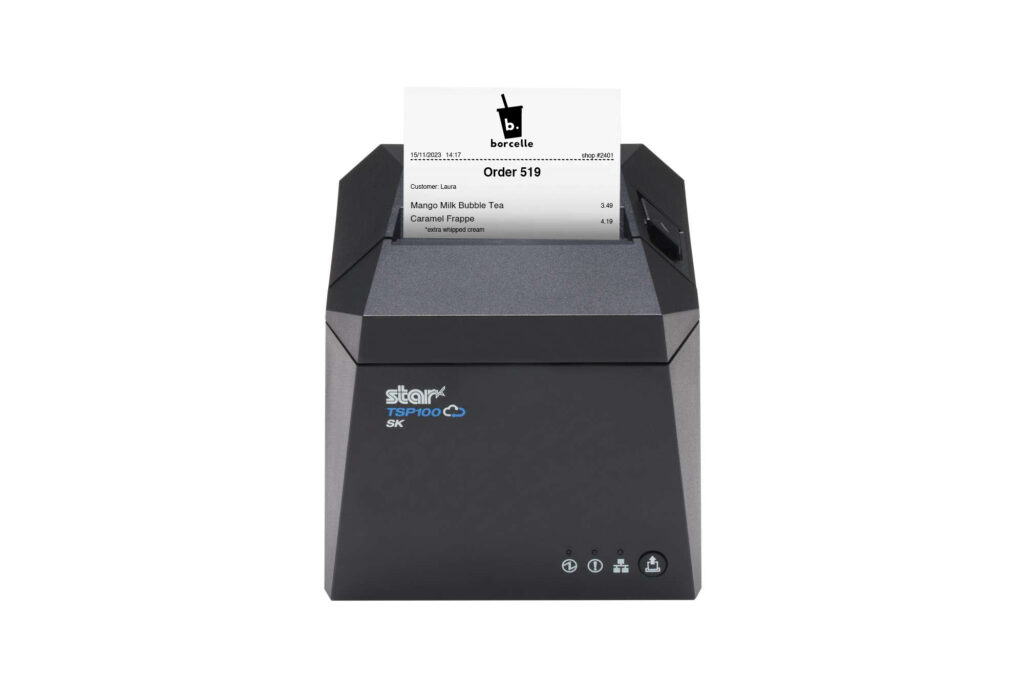
TSP143IV X4 Thermal Receipt Printer

TSP143IV X4 is a 3-inch thermal receipt printer

TSP143IV X4 Thermal Receipt Printer

Discover the TSP143IV X4 >

TSP143IV SK X4 Linerless Label Printer

TSP143IV SK X4 prints repositionable linerless labels

TSP143IV SK Sticky Label Printer

Find out more about TSP143IV SK>

mC-Label2 Multifunction Label Printer

mC-Label2 X4 multifunction label printer

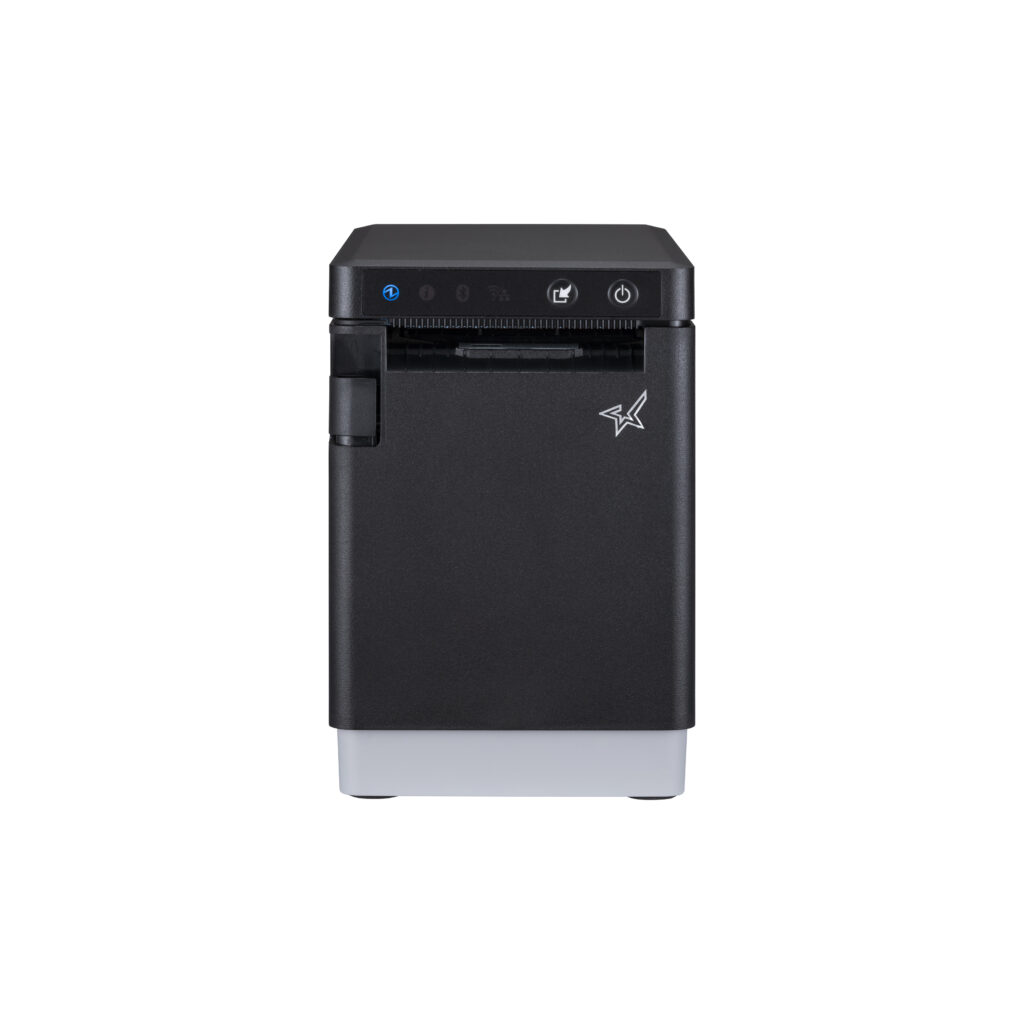
Star Micronics mC-Print3 and mC-Print2 thermal POS receipt printers

When Should Businesses Use rapidSYNC?

Star’s rapidSYNC can be used during initial printer installation or whenever a supported printer needs new wireless network settings using Star’s BLE-based setup method.

Common situations include:

– Installing a new receipt or label printer

– Moving a printer to another location

– Connecting a printer after replacing a router

– Updating a printer after changing the Wi-Fi name or password

– Adding printers at a new store or restaurant

– Configuring multiple printers during a rollout

– Installing a printer where Ethernet cabling is unavailable

– Reconnecting a printer after network settings have been reset

For multi-printer deployments, the Star Quick Setup Utility allows users to configure another printer after completing the first connection. The printed network diagnosis also gives installers an IP address they can record for testing, POS configuration, or technical support.

Connect Supported Star Printers with rapidSYNC

Wireless printer installation should not require employees or installers to work through complex printer menus. Star rapidSYNC provides a guided Wi-Fi printer setup process using Bluetooth Low Energy (BLE), a smartphone or tablet, and the Star Quick Setup Utility. Supported models may also offer QR-code onboarding as a separate Wi-Fi setup option.

The right rapidSYNC-compatible printer depends on what the business needs to print:

– Choose the TSP143IV X4 for thermal POS receipts.

– Choose the TSP143IV SK X4 for 3-inch repositionable linerless labels.

– Choose the mC-Label2 MCL21CWBi or MCL21CWBi LBL for compact 2-inch all-media printing.

Contact Star Micronics to compare compatible models, confirm POS compatibility, or plan a multi-location printer deployment.

What Should You Check Before Wi-Fi Printer Setup?

A few checks before installation can prevent common connection problems.

1. Confirm the Exact Printer Model

Not every version of a printer includes WLAN. Check the model number and interface specifications before starting a Wi-Fi printer setup.

For example, the TSP143IV X4 includes Wi-Fi and Bluetooth, while the TSP143IV UE is a wired USB and Ethernet model. Star’s rapidSYNC applies to supported WLAN-equipped models and uses Bluetooth Low Energy (BLE) during setup.

2. Have the Correct Network Credentials

Confirm the following information:

  • Wi-Fi network name, also called the SSID
  • Case-sensitive Wi-Fi password
  • Correct business network
  • Network frequency supported by the printer

Avoid connecting business printers to a public or customer guest network unless that network is specifically configured for POS hardware.

3. Check the Wireless Signal

Place the printer where it can maintain a stable connection to the wireless access point. Walls, metal equipment, distance, and crowded wireless channels can affect signal strength.

The TSP143IV X4 and TSP143IV SK X4 support both 2.4 GHz and 5 GHz networks. A 2.4 GHz network typically reaches farther, while 5 GHz may provide less interference and more bandwidth over shorter distances.

4. Reset Old Network Settings When Necessary

A printer that was previously connected to another network may retain its old wireless settings. Resetting the printer’s network configuration may be necessary before connecting it to a replacement router or a network with a new SSID.

5. Save the Network Diagnosis

After setup, keep the printed diagnosis page until the printer has been tested with the POS or business application. The IP address and connection status can help identify whether a problem is related to the network, printer, or software configuration.

Best in class

Product Support

Specifications

View product specifications and technical information

Brochures

Download product brochures and data sheets

Models

View models and part numbers within the range

Product Support

Drivers, product manuals, SDK information and FAQs

You may also like

Related products

mC-Print2

Super compact 2″ 58mm thermal receipt printer with front paper loading and multi-connectivity plus Star CloudPRNT technology

mC-Print3

Compact 3″ 80mm thermal POS and mPOS receipt printer. 400mm/s, front paper loading, multi-connectivity including Star CloudPRNT technology

TSP100IV

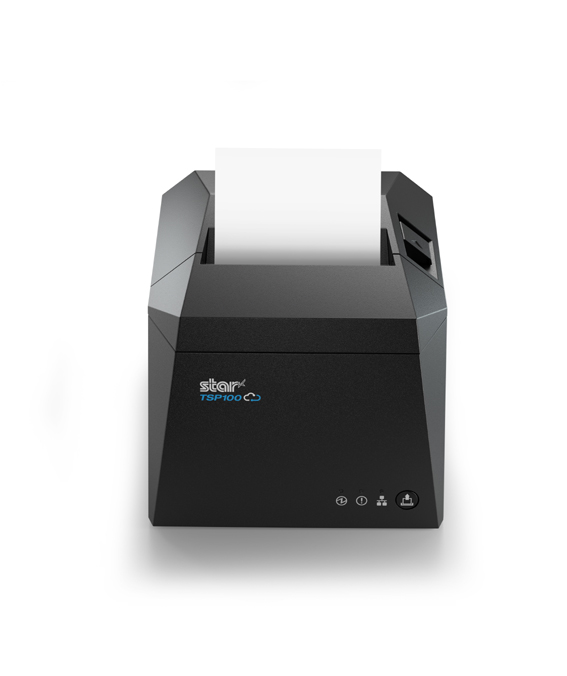
New generation 80mm thermal POS receipt printer. Horizontal or vertical use with multi-connectivity, simple WLAN set-up and Star CloudPRNT technology. 4 year warranty as standard

You're in safe hands

What our customers are saying

Enquire Now

Enquire About This Product

  • By submitting this form you agree with the storage and handling of your data by this website, in addition to being contacted by your provided email address and/or phone number. View our Privacy Policy

Contact Star

Need product support or help with integration? Contact the Star team today and they will be happy to help!

Specifications

Models